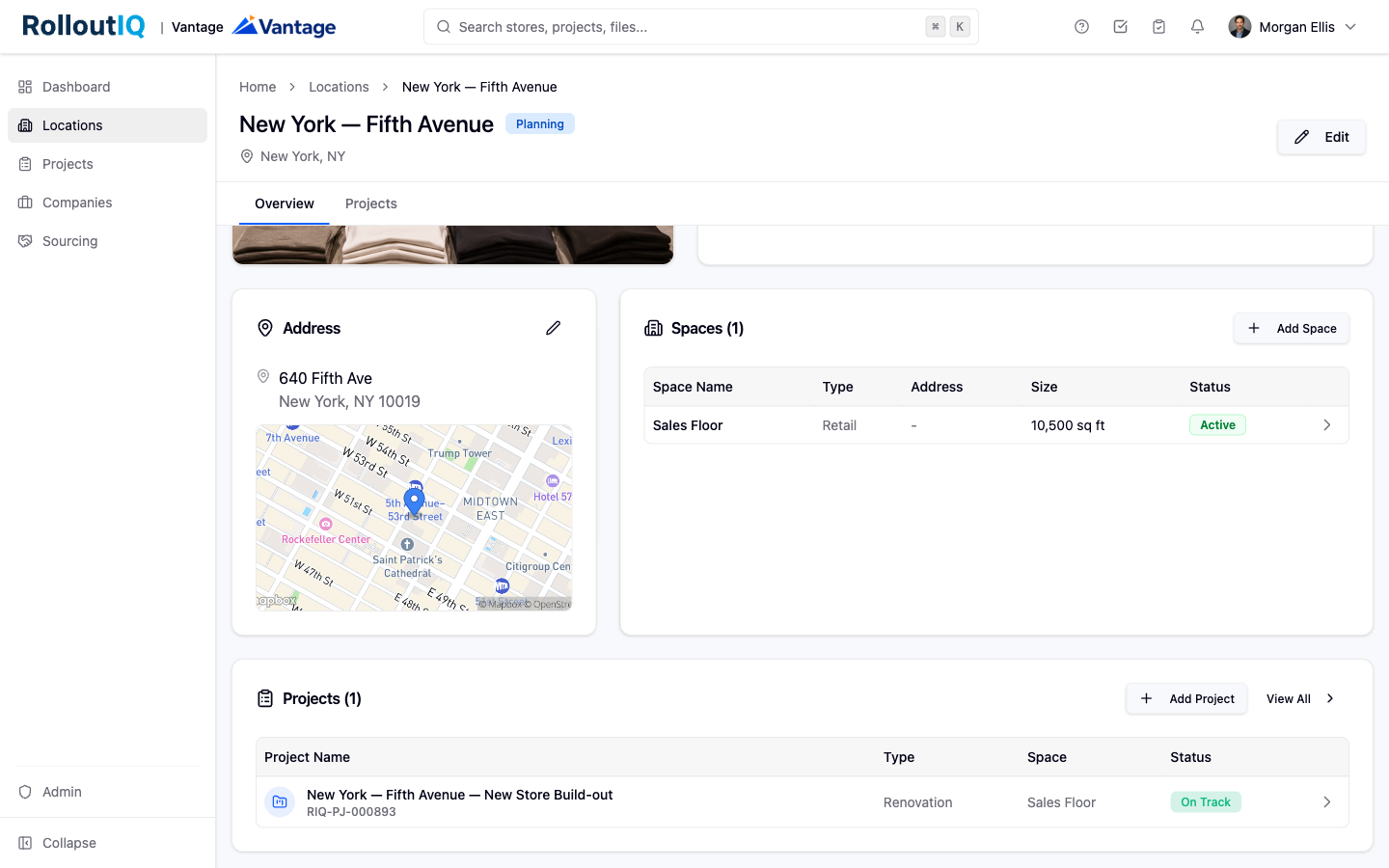
Everything in RolloutIQ is built on three connected records: Locations, Spaces, and Projects. Understanding how they relate is the fastest way to get comfortable in the product.
A Location is a single operating unit in your portfolio, such as a store, restaurant, or branch. It holds the brand, region, market, address, and key dates, and every project the store has ever been through rolls up to it. Its lifecycle status (Planning, Upcoming, Open, or Closed) is calculated from the dates you enter, so the portfolio view stays current without anyone updating a status field.
A Space is the physical premises a Location occupies: the leased suite in the mall, the freestanding pad, the in-line shop in the strip center. It sits under the Location and carries its own address, square footage, and type. Keeping the real estate separate matters because portfolios move. When a store relocates, the old Space retires and a new one comes online under the same Location, and the history on each one stays intact.
A Project is a time-bounded piece of work that delivers a change to a Space: a new build, remodel, refresh, relocation, or closure. It is anchored to a target open date and gathers the schedule, drawings, requests for information, tasks, files, and team in one place. A Project always belongs to a Space, which is how one store can go through many projects over the years without the history fragmenting.
A Location can hold multiple Spaces over time.
A Space can host multiple Projects over time.
Every Project rolls up through its Space to its Location.
For example, a downtown flagship (a Location) leases a suite (a Space). The initial buildout is one Project. A refresh three years later is a second Project on the same Space. When the store relocates across the center, a new Space comes online under the same Location, and its buildout is a third Project. The entire history stays under one store.